
Locally Sourced Food [Report - Sponsor Version]

This report contains the foods marked as locally sourced and the quantities offered by age range.

To run this report:
- From your sponsor dashboard, click on the green tab for Reports.

- On the screen to select the report category, select Food Service Operations Reports.
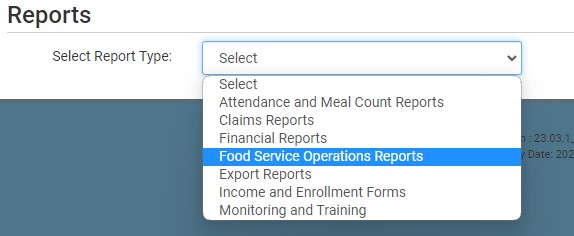
- Scroll down to the Food Production & Menus subcategory.
- From the list of available reports, click on the hyperlink for Locally Sourced Food Report.
- Select the report options:
- Enter a date range.
- Select the specific site(s) or select all sites.
- Click the green Run Report button to generate the file.
- Click on the Download File hyperlink to download the report as a XLSX file.


