
Menu Changelog [Report - Sponsor Version]

This report provides information about changes made to menus, including the food items added and deleted, the user that performed the operation and the date the change was made.

To run the report:
- From your sponsor dashboard, click on the green button for Reports.

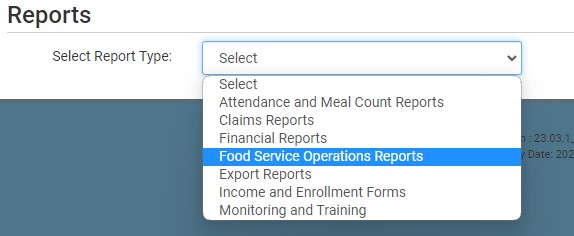
- On the screen to select the report category, select Food Service Operations Reports.
- Scroll down to the Food Production & Menus subcategory.
- Click on the hyperlink for the report labeled Menu Changelog.
- Select the date range.
- Select the specific site(s) or select all sites.
- Click the green Run Report button to generate the file.
- Click on the Download File hyperlink to download the report as a PDF.

