
Monitoring Form [Report - Site Version]

This report contains the sites visits for the date range selected.

To run this report:
- Click on Reports from the main site dashboard.
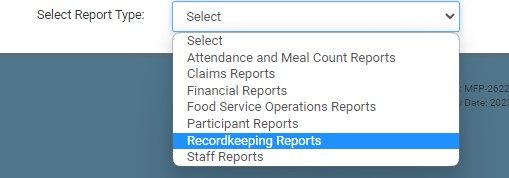
- Select the category for Recordkeeping Reports.
- Scroll to the subcategory for Claim, Site & Participant Data.
- Click on the hyperlink for Monitoring Form Report.
- Make the report selections:
- Date Range
- Click Run Report button to generate a hyperlink.
- Click on the Download Report hyperlink to download the report as a PDF.
Download Sample Report >
