
Allow Extended Meal Count Entry Time Frame for Designated Users

We offer two options for restricting meal count entry for site-level users with “staff” or “infant teacher or kitchen staff” permission level:
- Point-of-service (during meal service time)
- Day (by midnight each day)
For site managers/directors (providers or center directors) users have the
option to give them the option to go back in time or impose the point-of-service or day restrictions.
We also offer more customization for site managers/directors. The additional options are:
- By a Day of Week: for example, you require that all attendance and meal counts be entered by Friday each week.
- By a Date of the Month: for example, you require that all attendance and meal counts are entered by the 5th of the month for the month prior.

To use this option:
- First, click on Site Details from the main site dashboard.
- Select two options in this section:
- Scroll down to Attendance & Meal Count Settings.
- Select from the option labeled "Allow Extended Meal Count Entry Time Frame for Designated Users":
- By a Day of Week: for example, you require that all attendance and meal counts be entered by Friday each week.
- By
a Date of the Month: for example, you require that all attendance and meal counts are entered by the 5th of the month for the month prior. - AND Scroll down to Site User Settings.
- Check the box labeled "Restrict all site staff meal count times".

- AND Scroll down to Site User Settings.
- Check the box labeled "Restrict all site staff meal count times".

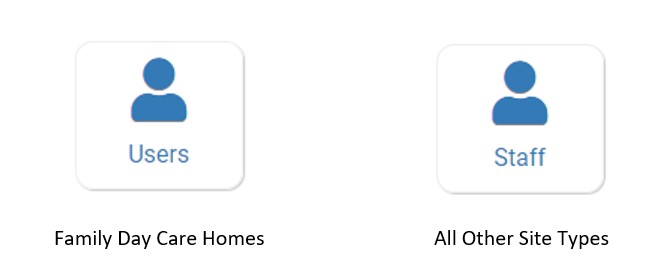
- Next, click on Users or Staff from the main dashboard.
- On the staff list page, click on the name of the person for whom you want to allow to use extended meal count times. This will take you to the user profile.
- On the user profile page, scroll down and check the box labeled "Allowed to Use Extended Meal Count Entry Time Frame".
