
Headcount Attendance Report

A report of headcount attendance entries.

- Click on "Reports" from the main site dashboard
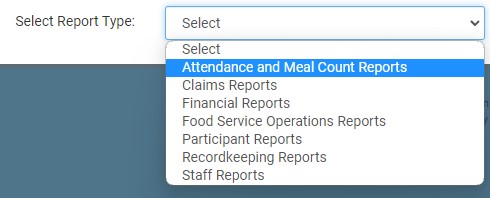
- From the dropdown, select Attendance & Meal Count Reports
- Click on the hyperlink for the report This will take you to the screen to make your selections for the report.
- Date Range
Roster(s): select specific or select all
- Click the green Run Report button to generate a download link.
- Click the hyperlink to Download Report in PDF format.
