
Master Enrollment List Spreadsheet

This spreadsheet report provides summary information about the participants in each site for the selected claim month, whether they attended during the month, and their income eligibility category. It includes a summary tab across sites.

To Run the Report
- Login as a Sponsor User.
- Click on the green tab for Reports.

- On the report category selection screen, click on Claims Reports.
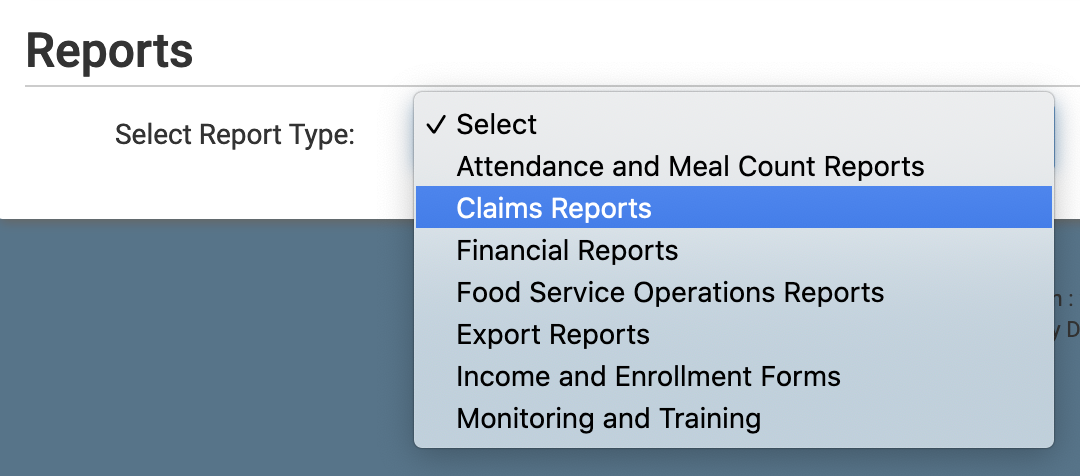
- Click on the hyperlink titled Master Enrollment List Spreadsheet. This will take you to the screen to choose your report options.
- Select the Month/Year.
- Click the green Run Report button to generate a hyperlink.
- Click on the Download Report hyperlink to download the report as a spreadsheet.
