
Participant Meal Summary Report (Sponsor-Level)

This report summarizes the meals claimed, not claimed and total recorded for each participant for the selected claim month with subtotals by income eligibility category.

- Login as a sponsor user
- Click on the green tab for "Reports"

- Select the report category "Attendance and Meal Count Reports"
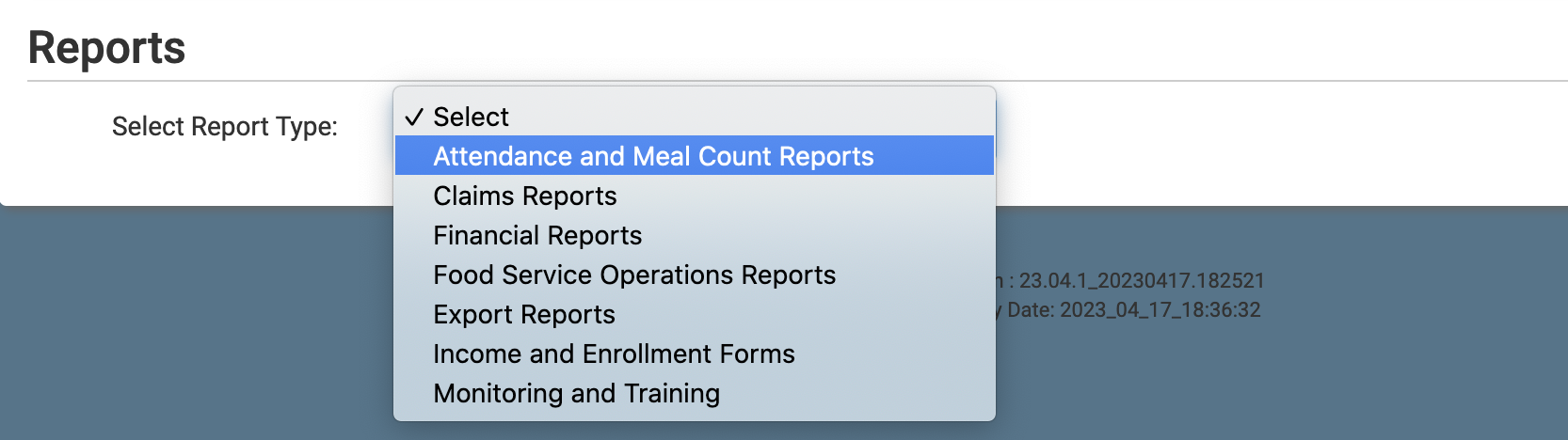
- Click the hyperlink for the report titled Participant Meal Summary
- Make the report selections
- Claim Month
- Program Type
- Site(s)
- Click the green Run Report button to generate the report.
- Once the report has been generated, click the blue Download Report hyperlink.
Download Sample Report >
