
Visits Missing Training [Report - Sponsor Version]

This report contains a list of visits for which there is no training
recorded. This report is most useful for sponsors that choose to provide annual training during monitoring visits and have an internal policy that all visits must provide training hours.
recorded. This report is most useful for sponsors that choose to provide annual training during monitoring visits and have an internal policy that all visits must provide training hours.

To run this report:
- Login as a Sponsor Admin.
- Click on the Reports button from the main sponsor dashboard.

- Select the category Monitoring and Training.
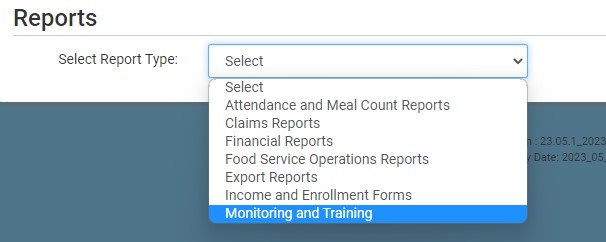
- Scroll down to the subcategory for Monitoring Visits.
- Select Visits Missing Training from the list.
- Select the date range for the report.
- Click the green Run Report button to create a hyperlink.
- Click the Download Report hyperlink to download the report in XLSX format.

