
Monthly Zero Meal Count Report

The Monthly Zero Meal Count Report shows dates and meals where no meals have been entered for a calendar month.

- Click on "Reports" from the main site dashboard.
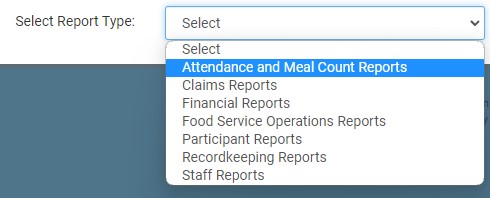
- From the dropdown, select Attendance & Meal Count Reports.
- Click on the hyperlink for the report titled Monthly Zero Meal Count Report.
- Select the Month/Year
- Select specific rosters or select all.
- Click the green Run Report button to generate a download link.
- Click the hyperlink to Download Report in PDF format.
