
Zero Meal Count Report

The Zero Meal Count Report shows each roster, day and meal which are indicated with a box that is either gray (for closure or holiday), yellow (for a zero meal count) or white (indicates at least one meal count was entered for that roster, day and meal).

- Click on Reports from the main site dashboard.
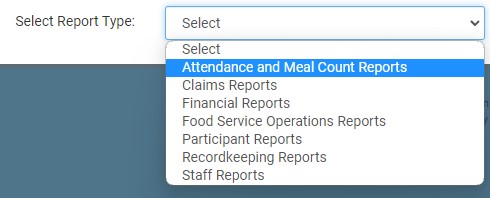
- From the report selection screen, choose the category Attendance and Meal Count Reports.
- Click on the hyperlink for the report labeled "Zero Meal Count Report".
- Select the date range for the report.
- Click the green Run Report button to generate a download link.
- Click the hyperlink to Download Report in PDF format.
