
Paper Back-Ups Report

This report can be used for sites without internet access or need to use paper recordkeeping for any other reason.
There are two other reports that can be used for a similar purpose, but are formatted slightly differently:

- Click on Reports from the main site dashboard.

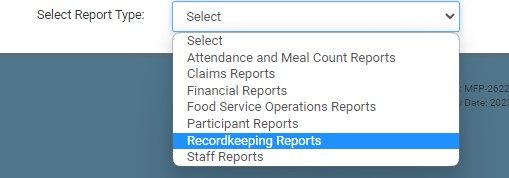
- Select the category for Recordkeeping Reports.
- Click on the hyperlink for Paper Back-Ups.
- Make the report selections:
- Date
- Roster(s)
- Click Run Report button to generate a hyperlink.
- Click on the Download Report hyperlink to download the report as a PDF.
