
Participant Inactive Report

The report provides a record of when participants were set to inactive (withdrawn). It include the participant's name, date of birth and the date on which they were made inactive. The report also includes a sum of the number of participants made inactive during the selected date range.

- Click on Reports from the main site dashboard
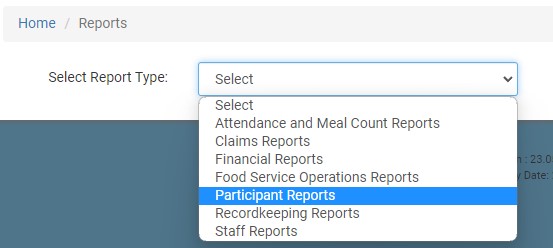
- On the report selection screen, select the category Participant Reports.
- Select the date range for the report.
- Click the green Run Report button to generate a hyperlink.
- Click on the Download Report hyperlink to download the report as a PDF.
