
Participant Summary Report

This report will tell you about a participant and includes the following information:
- Name
- Date of Birth
- Participant ID
- Start Date/End Date/Status History
- Any months in which the participant had attendance or meal counts

- Click on Reports from the main site dashboard.
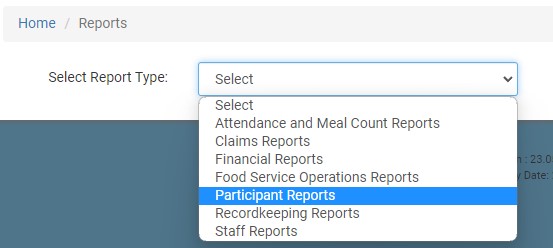
- On the report selection screen, select the category Participant Reports.
- Select the Participant(s) for the Report
- Click the green Run Report button to generate a hyperlink.
- Click on the Download Report hyperlink to download the report as a PDF.
