
Attendance and Meal Counts by Roster [Report - Sponsor Version]

This report contains meal count totals by roster (classroom).

To run this report:
- Login as a sponsor user.
- Click on the green tab for Reports.
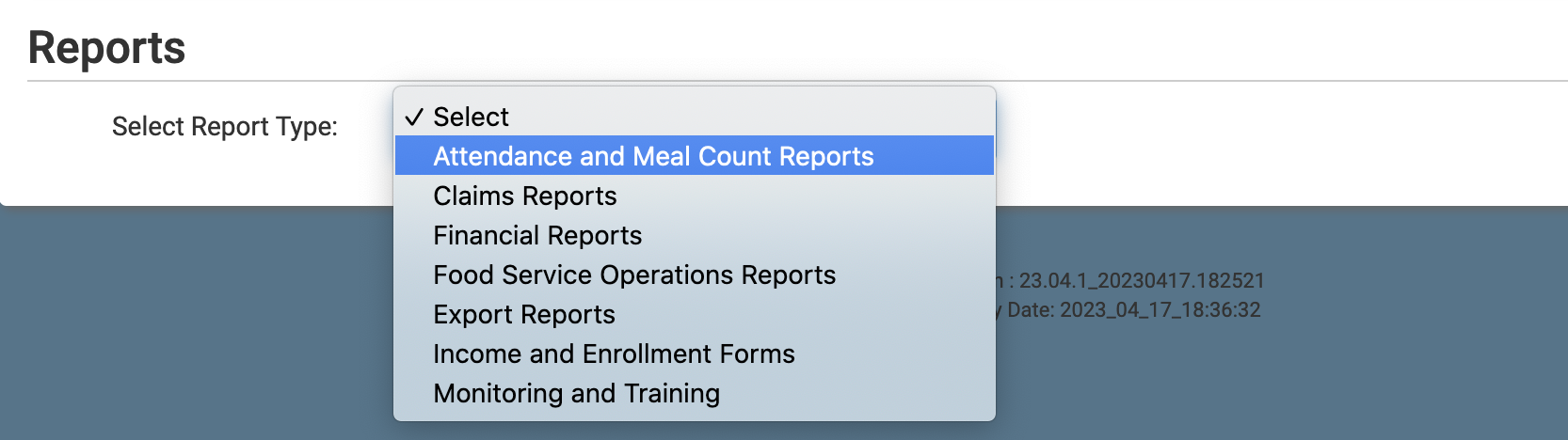
- Select the report category Attendance and Meal Count Reports.
- Scroll down to the Meal Count by Name Information subcategory.
- Click the hyperlink for the report titled Attendance and Meal Counts by Roster.
- Select the month for which you want to run the report.
- Click the green Run Report button to generate the report.
- Once the report has been generated, click the blue Download Report hyperlink.

