
Claims Summary Spreadsheet [Report - Sponsor Version]

This report contains information about monthly claimed meals and reimbursement amounts for multiple sites and months.

To run this report:
- Login as a Sponsor Admin.
- Click on the Reports button.

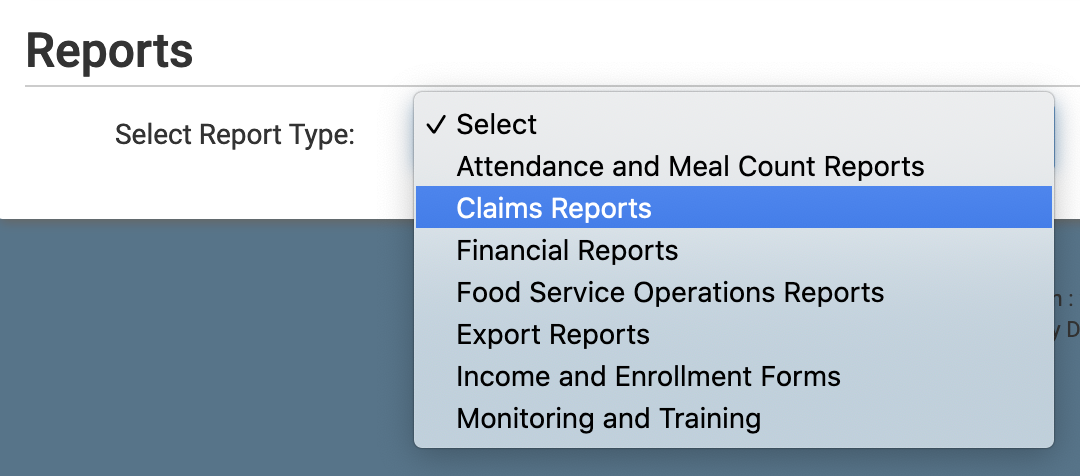
- Select report category Claims Reports.
- Scroll down to the Claim Summary & Payments subcategory.
- Click on the hyperlink for the report labeled Claims Summary Spreadsheet.
- Select the date range for the report.
- Select the site type:
- Centers, Emergency Shelters and Afterschool
- Family Child Care Homes
- Summer Food
- Click the green Run Report button.
- Click the hyperlink to Download Report as an XLSX file.


