
Disbursement Record for Sponsors of Centers [Report - Sponsor Version]

This report contains information for sponsors of unaffiliated centers needing to document how the total claim value is distributed between administrative fees retained by the sponsor and the operating funds sent to the sponsored center.

- Login as a Sponsor Admin user.
- Click on the green button for Reports.

- From the report category dropdown, select Financial Reports.
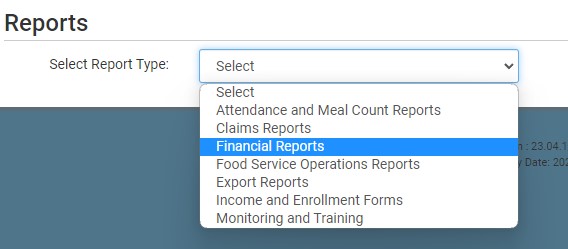
- Scroll down to the Reimbursements subcategory.
- Click on the hyperlink for the report labeled Disbursement Record for Sponsors of Centers.
- Select the month/year for the report.
- Click the green Run Report button to create a hyperlink.
- Click the Download Report hyperlink to download the report in PDF format.
Note this report displays the admin percentage in place at the time the claim was created rather than the current admin percentage.

