
Household [Report - Site Version]

This report contains the list of parent/guardians linked with participants, and includes household income eligibility form status and enrollment form status.

- Click on Reports from the main site dashboard. This will take you to a screen to select the report category.
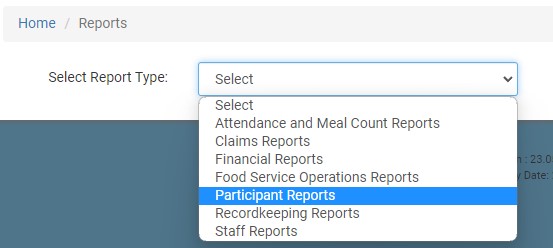
- On the report selection screen, select the category Participant Reports.
- From the list of reports, click on the one called Household Report.
- Select the claim month/year.
- Select from the following:
- Participants who ate a CACFP meal
- Participants who ate an ARAM meal
- All Active CACFP Participants
- Click the green Run Report button to generate a hyperlink.
- Click on the Download Report hyperlink to download the report as a PDF.
