
Meal Counts by Meal Type Spreadsheet Report (Site-Level)

Provides daily meal headcount details, including meals received or prepared, first and second meals, program and non-program adult meals, non-reimbursable meals, and leftovers.

- Click on Reports from the main site dashboard. This will take you to a screen to select the report category.
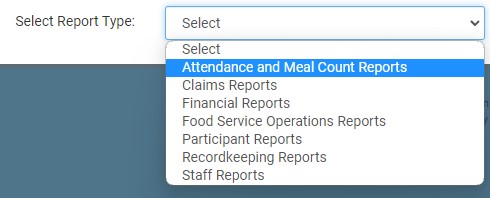
- From the report category selection dropdown, select Attendance & Meal Count Reports.
- Scroll down to the Meal Counts by Headcount category.
- Click on the hyperlink for the report titled Meal Counts by Meal Type Spreadsheet Report.
- Enter the date range for the report.
- Click the green Run Report button to generate the report.
- Click on the Download Report hyperlink to download the report.
