
Participant Meal Summary Report

This report summarizes the meals claimed, not claimed and total recorded for each participant for the selected claim month with subtotals by income eligibility category.

- Click on "Reports" from the main site dashboard.
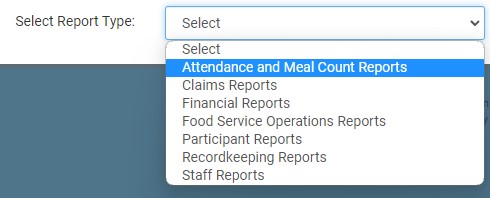
- From the dropdown, select Attendance & Meal Count Reports.
- Click on the hyperlink for the report titled Participant Meal Summary.
- This will take you to the screen to make your
selections for the report. - Month/Year
- Program Type: ARAM, CACFP Standard or NonCACFP
- Click the green Run Report button to generate a download link.
- Click the hyperlink to Download Report in XLS format.
