
Under 12 Months Menu [Report - Site Version]

This report contains the main infant menu and is called “print-ready”. This option is:
- PDF format for easy printing
- Uses a custom date range
- Can have a custom footer
- Has options to customize the text displayed using
- Description for Print View
- Menu Notes
- Custom Food Names

*You can run this report from either the Menu screen or the Reports screen. Both instructions are below*
To run this report from the Menu screen:
- Start by clicking on Menu from the main site dashboard.

- At the top of the menu calendar page, click on the button that says Print Menus.
- Click the green button labeled Print-Ready under Infant Menus.
- The menu will automatically download to the default location configured on your browser.

To run this report from the Reports screen:
- Click on Reports from the main site dashboard. This will take you to a screen to select the report category.
- From the report selection screen, click on Food Service Operations category.
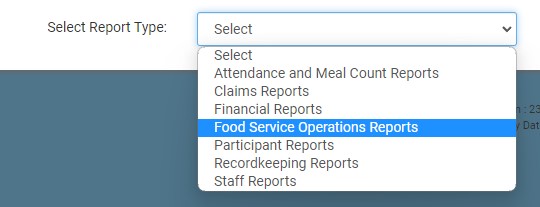
- Scroll to the Menus subcategory.
- Click on the hyperlink that says Under 12 Months Menu.
- Select a date range.
- Click on the green Run Report button to generate a hyperlink.
- Click on the hyperlink to Download Report as a PDF.

