
See Meal Counts Entered by Other Users on Weekly Entry Screen

This report will show you the meal counts by headcount entered by other users.

To run this report:
- Click on "Enter Attendance & Meal Count from Paper" from the main site dashboard
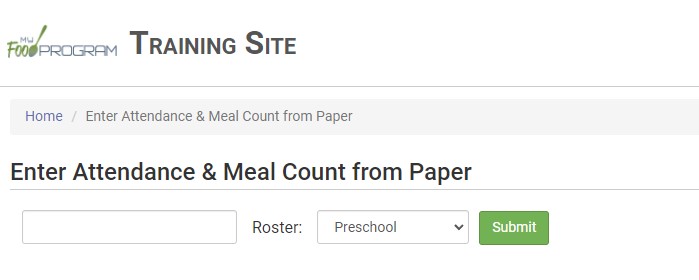
- Select the Monday of the week for which you want to enter data
- Select the roster
- Click "Submit" to load the participant list
- At the top-right of the screen click the green "See Meal Counts by Others" button to generate a hyperlink
- Click the "Download Report" hyperlink to download the PDF report in your browser's default location