
Child Care Management Software API Usage Report

This report provides an audit log of data being entered in Child Care Management Software and sent to My Food Program through our API. You can find this report at the sponsor level under Attendance & Meal Counts.

- From the main sponsor dashboard click on the green tab for Reports. This will take you to a screen to select the report category.
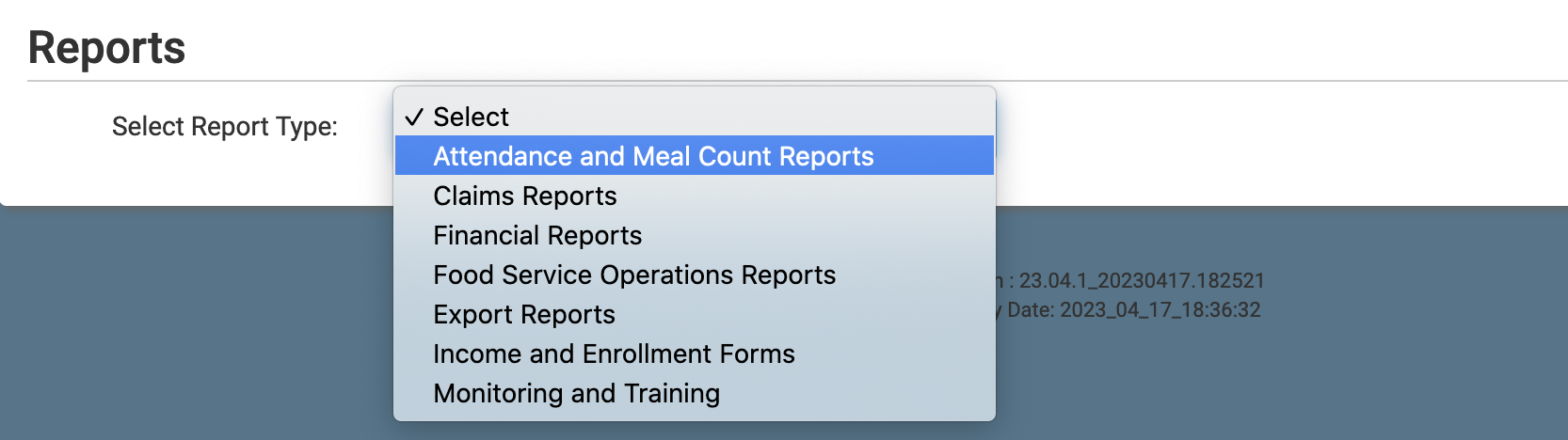
- Select report category Attendance and Meal Count Reports.
- Scroll down to the Compliance Information category.
- Click the hyperlink for the report titled Child Care Management Software API Usage.
- Select the date that you want to run the report from.
- Click the green Run Report button.
- Once the report has been generated, click the blue Download Report button.
