
Meals With Counts From Multiple Users (Sponsor-Level)

A spreadsheet with a list of meals for which more than one user entered a meal count.

- Login as a sponsor user.
- Click on the green tab for "Reports".
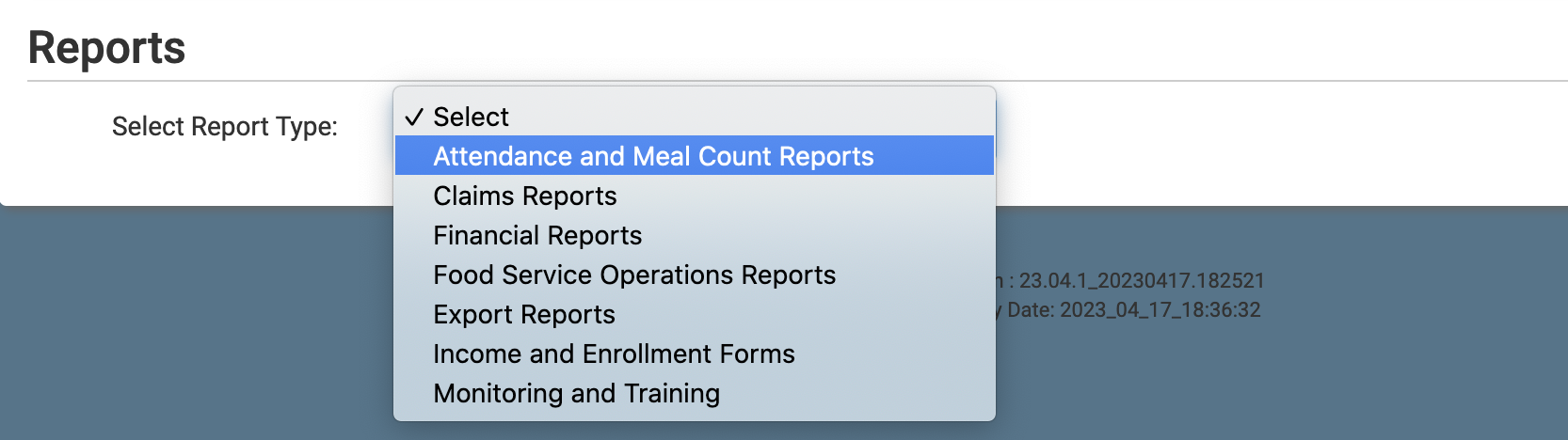
- Select the report category "Attendance and Meal Count Reports".
- Click the hyperlink for the report titled "Meals With Counts From Multiple Users"
- Select the date range.
- Select specific sites or select all sites.
- Click the green Run Report button to generate the report.
- Once the report has been generated, click the blue Download Report hyperlink.

