
Mailing Labels

This report prints the names and mailing addresses of your providers or centers on label paper formatted to 1" x 2 5/8" 30-per-page labels.

- Login as a sponsor admin user.
- Click on the green tab labeled Reports.
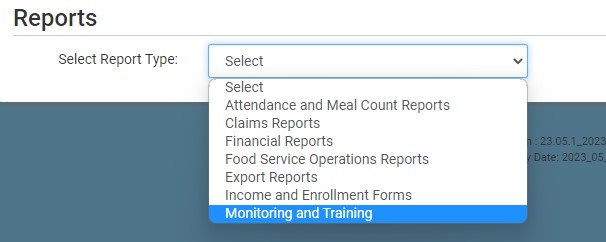
- From the dropdown, select the category Monitoring and Training
- Click on the report titled Mailing Labels
- Select Active Sites or All Sites
- Select if Site Name or Site Legal Name
- For sponsors of homes, the Site Name is Last Name, First Name and the Site Legal Name is First Name Last Name. For this report, we recommend using the Site Legal Name
- Click the green Run Report button to create a hyperlink.
- Click the Download Report hyperlink to download the report in PDF format.


This report uses the Mailing Address for the center, site or provider.