
Household Contact Status [Report - Sponsor Version]

This report contains information about the status of the Household Contacts.

To run this report:
- Login as a Sponsor User.
- Click on the Reports button.

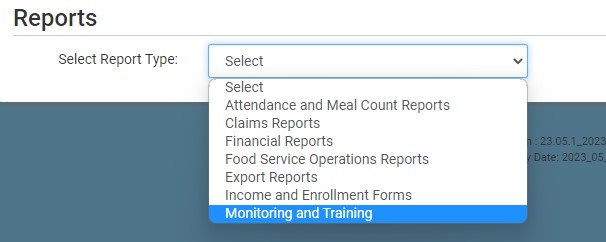
- On the screen to select the report category, select Monitoring and Training.
- Scroll down to the Household Contacts subcategory.
- Click on the Report titled Household Contact Status Report.
- Select the date range for the report.
- Click the green Run Report button to create a hyperlink.
- Click the Download Report hyperlink to download the report in spreadsheet format.
Download Sample Report >


