
Manual Claim Information Form (Sponsor Version)

This report provides a summary of site information and a list of
children with ID numbers to be used in completing manual claim forms.

To Run the Report
- Login as a Sponsor User.
- Click on the green tab for Reports.

- On the report category selection screen, click on Claims Reports.
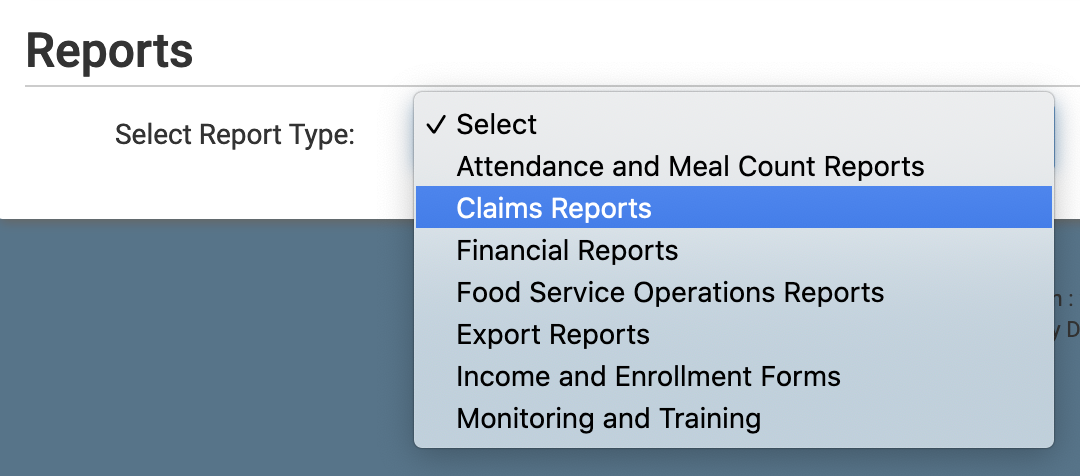
- Click on the hyperlink titled Manual Claim Information Form. This will take you to the screen to choose your report options.
- Select the Monitor(s)
- Or leave blank if you want all sites
- Select the sites or select all.
- Click the green Generate File button to generate a hyperlink.
- Click on the Download Report hyperlink to download the report as a PDF.
