
Claims Status Report

This report is for sponsor staff that do not have permission to create claims, but need the information that is contained on the Claims Overview Screen.
This report is identical to the information you would get if you clicked "Export as .csv" button on the Claims Overview Screen.

- From the main sponsor dashboard click on the green tab for Reports. This will take you to a screen to select the report category.
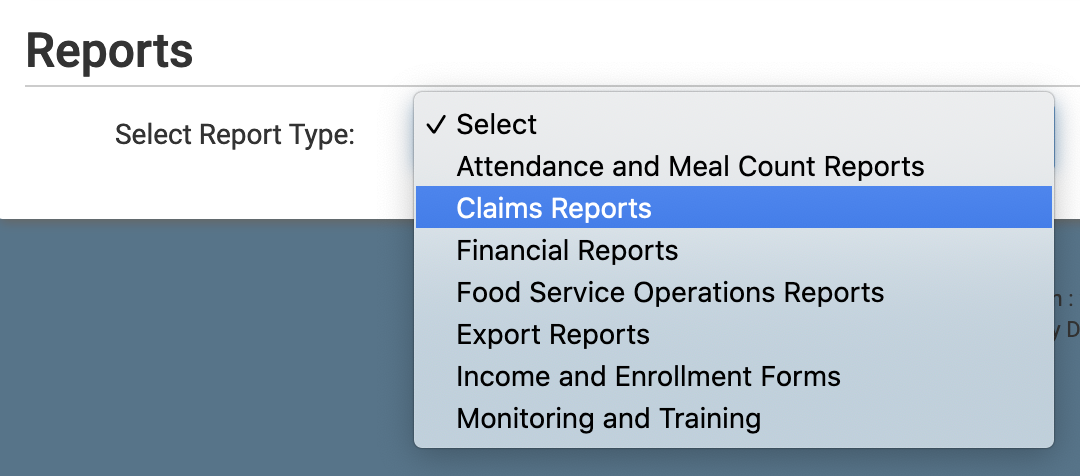
- Select report category Claims Reports.
- Click the hyperlink for the report titled Claims Status Report
- Select the claim month
- Click the green Run Report button.
- Once the report has been generated, click the blue Download Report button.
