
Payable Meals Custom Date Range [Report - Sponsor Version]

This report is available for sponsors that would like payable meals for a custom date range other than the claim month.

- Login as a sponsor user
- Click on the green tab for "Reports"
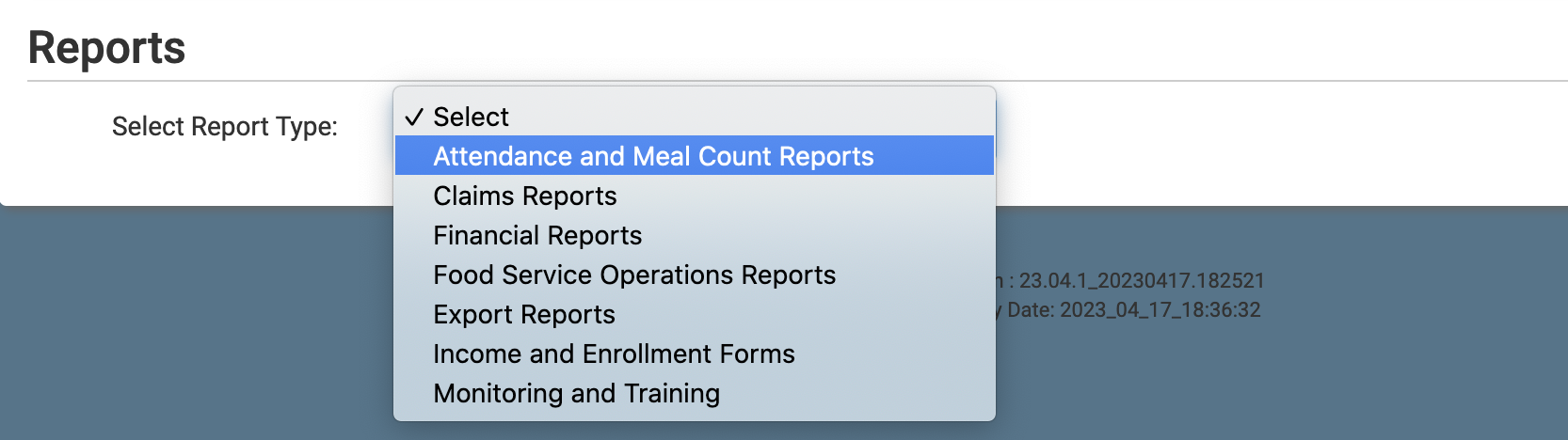
- Select the report category "Attendance and Meal Count Reports"
- Click the hyperlink for the report titled "Payable Meals Custom Date Range"
- Select the date range
- Click the green Run Report button to generate the report.
- Once the report has been generated, click the blue Download Report hyperlink.
