
Meals Received or Prepared Spreadsheet Report (Sponsor-Level)

This report includes the number of meals received or prepared for the selected claim month and meal type.
If there is not a meals received/prepared quantity entered, the cell in the spreadsheet will be filled with the sum of the meal orders across all age ranges for that date and meal type.

- Login as a sponsor user.
- Click on the green tab for "Reports".

- Select the report category "Attendance and Meal Count Reports".
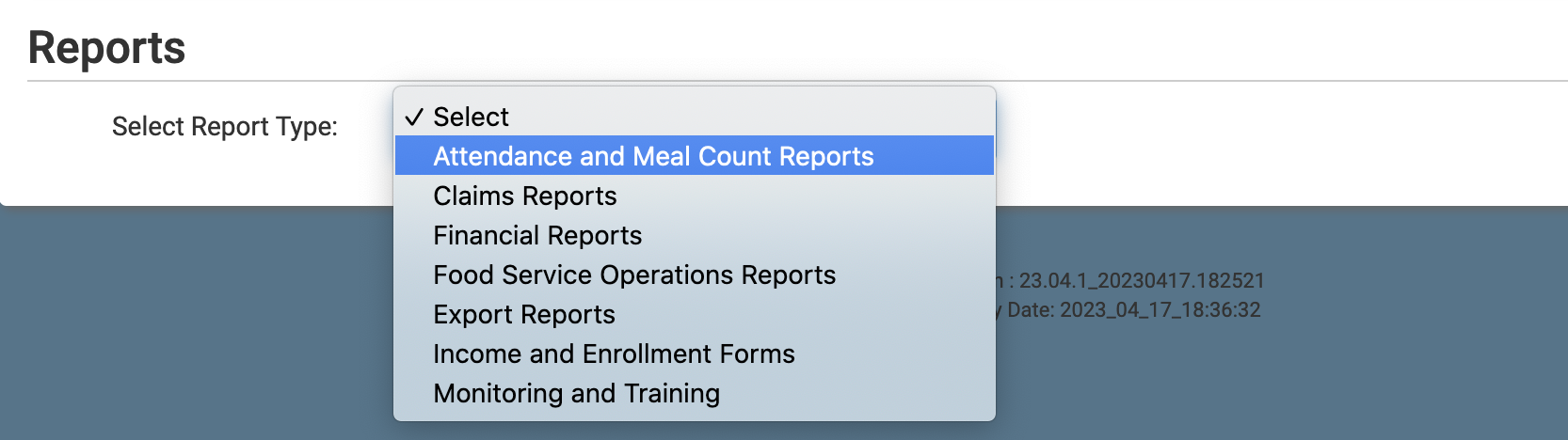
- Click the hyperlink for the report titled "Meals Received or Prepared Spreadsheet Report"
- Select the claim month
- Select the meal type
- Click the green Generate File button to generate the report.
- Once the report has been generated, click the blue Download Report hyperlink.


- The meals received/prepared field is prefilled with the meal order quantity (the sum of the meal orders across all age categories)
- Meals received/prepared can be entered in two places
- The meal count screen for headcount entry
- The food temp and delivery screen

- The meals received/prepared can be required before meal count entry
- Sponsors can decide if they want site-level users to be able to change the meals received/prepared or if they would like to leave them as the meal order quantity.
- Be sure that the setting for Display All Options on Meal Count Screen is checked