
Show Description for Print View

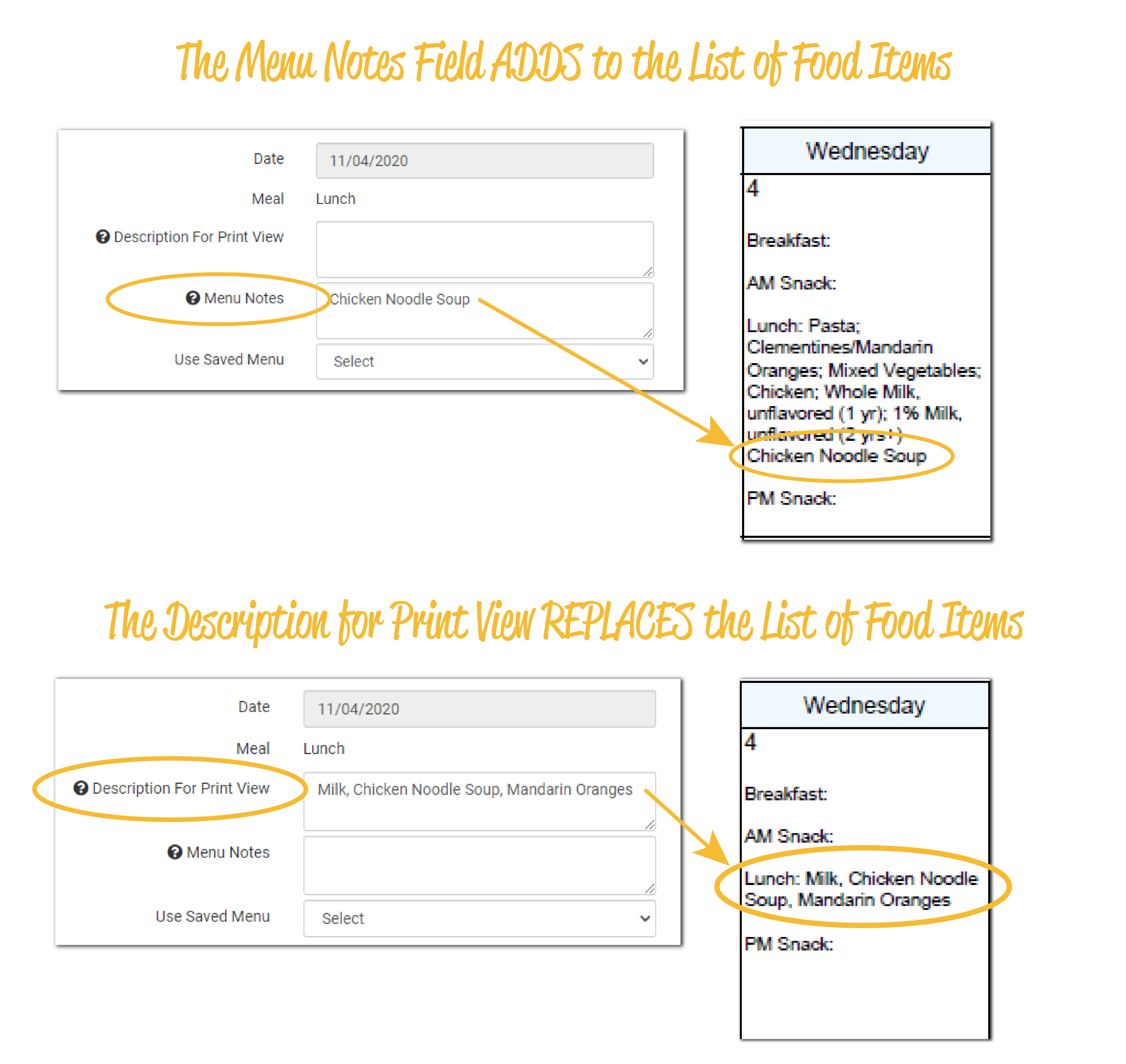
By default, the printed menus from My Food Program are a list of the food items offered at a meal and Menu Notes that add detail to the list of food items.
If menu notes is not sufficient, we also have an option for centers or providers to overwrite that list of food items and providing their own description for the printed menu.

- Login as a Sponsor Admin
- Click on the green tab for Setup
- Click on Sponsor Setup
- Scroll down to the checkbox labeled "Show Description for Print View"

- Make your selection
- Scroll to the bottom and click the green "Save" button
Recommended Setting
NOTE: when providing menus to state agencies to demonstrate compliance with the meal pattern requirements, we strongly discourage using the menus with the descriptions written by provider or centers as they are often incomplete.