
Sites Claiming Evenings and Weekends [Report - Sponsor Version]

This report contains a list of active providers or centers that have an evening meal or weekend meal count within the date range selected.

- Click on the Reports tab from the main sponsor dashboard.
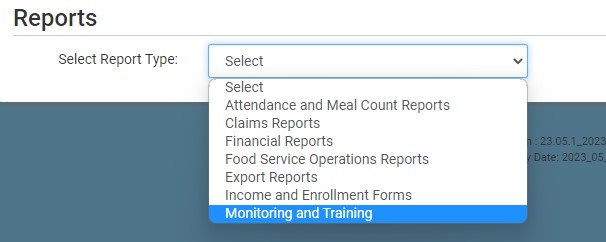
- Select the category "Monitoring and Training".
- Scroll to the Compliance Information subcategory
- Click on the Sites Claiming Evenings and Weekends hyperlink from the list.
- Select the sites:
- Serving any meal on a Saturday or Sunday
- Serving any meal marked for "night capacity"
- This option is only relevant for sponsor in those states with a night capacity that differs from day capacity.
- Serving a supper or evening snack on a weekday
- Enter the report date range
- Click the green Run Report button to create a hyperlink.
- Click the Download Report hyperlink to download the report in XLS format.
