
Allowed to view Income Forms [Setting]

This setting controls whether a site-level user can view (but not create or edit) an income form for a household.
- If this box is checked, the user is allowed to view income forms.
- If this box is unchecked, the user is not allowed to view income forms.

To use this setting:
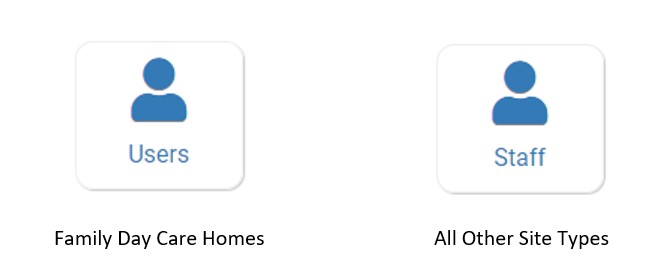
- Click on Users or Staff from the main site dashboard.
- Click on the blue hyperlink name of the user or click the blue +Add button to create a new user.
- Scroll down to the checkbox labeled Allowed to view Income Forms.

- Make your selection.
- Scroll to the bottom and click the green Save button.
