
Enter a Learning Management System ID [Feature]

This feature allows users to manually enter an identification number for an external Learning Management System to a site-level user’s profile.

To use this feature:
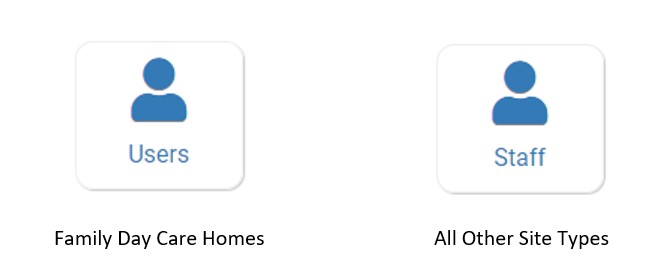
- Click on Users or Staff on the main dashboard.
- Click the hyperlink for the name of the staff/user you would like to edit or click the blue Add+ button in the upper-right corner to add a new staff/user.
- Enter the identification numbers into the field labeled Learning Management System ID.

- Scroll to the bottom and click the green Save button.

