
Change User Name for site user [Feature]

This feature allows users to change the user name associated with site-level users.

To use this feature:
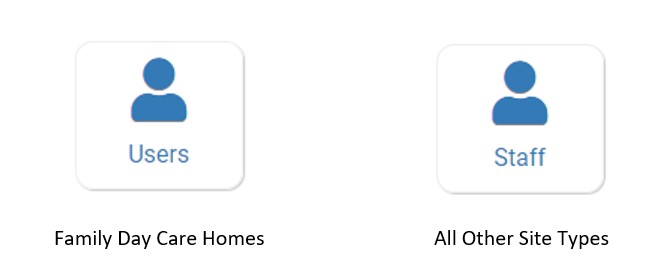
- Click on Users or Staff on the main dashboard.
- Site Staff users cannot access this tab and will need a Site Manager/Director or My Food Program team member to change their username.
- Click on the hyperlink of the name of the user that you would like to change.
- Update the User Name* field.

- Scroll to the bottom and click the green Save button.
Please note that if you would like to use Single Sign-On (SSO) for easier login, your username needs to be your email address.

